
In this guide we will show you how to create a Smart Link for your music and artists.
Smart Links for Releases:
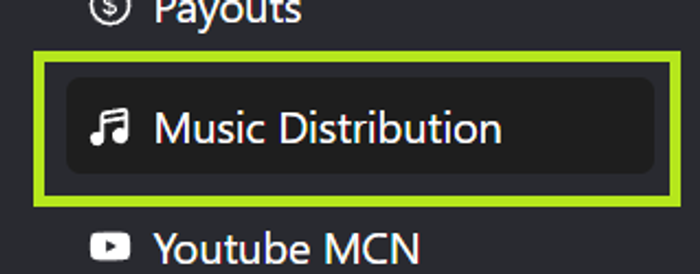
- First login to your account and press the Music Distribution button from the left main menu:
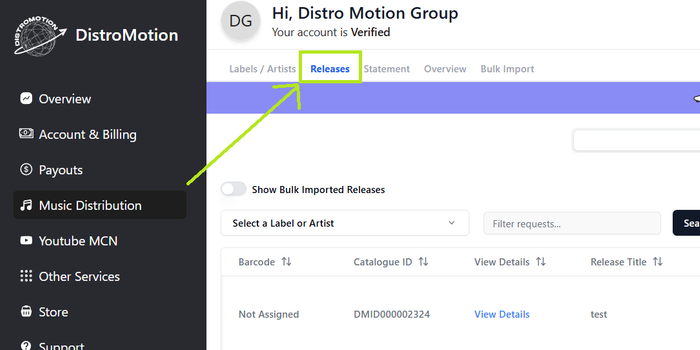
- Inside the Music Distribution menu, go to the Releases submenu:
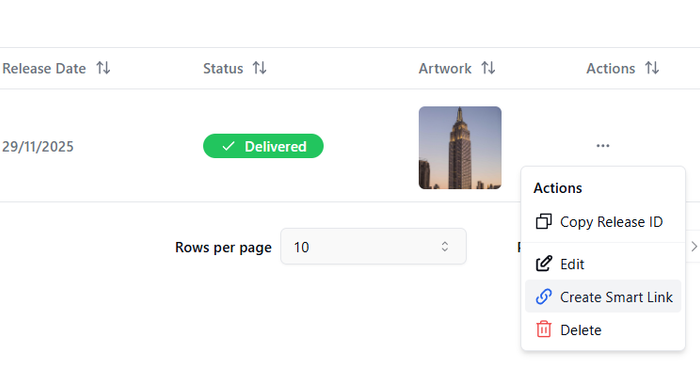
- Use the '"Create Smart Link" Button to create your Smart Link for your delivered release:
- Fill up all the fields with the data you wish for your release, move the links sorting holding the left click on them to sort them as you prefer, after all the fields are correctly filled up, press ''Create'' button:
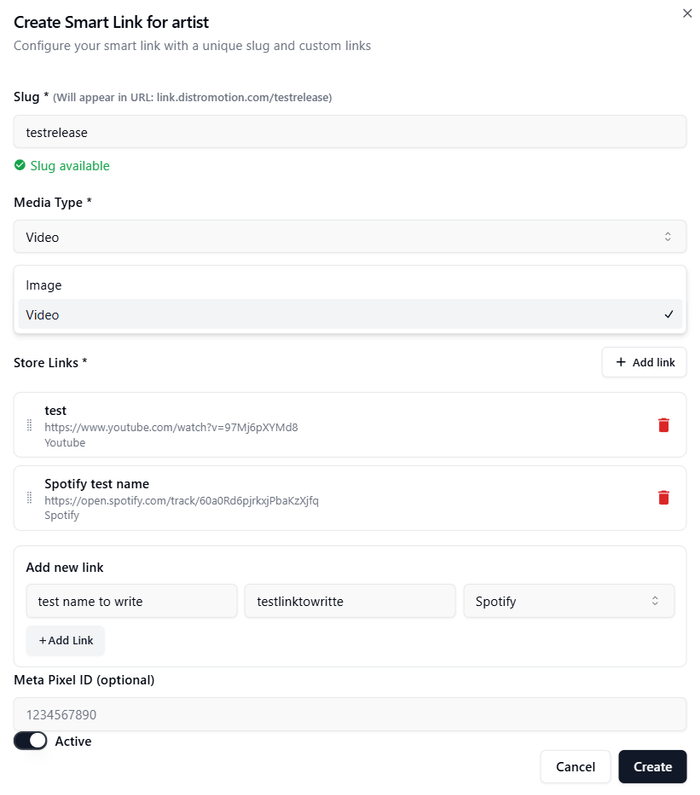
- Make sure you've wrote the slug you wish, use that unique link with your customized slug and access to your Smart Link:

- Well done, your release Smart Link is created.
Smart Links for Artists:
- First login to your account and press the Music Distribution button from the left main menu:
- In it you will find all your record labels and artists list. Just find the artist you want to create the Smart Link for and press the Smart Link button:
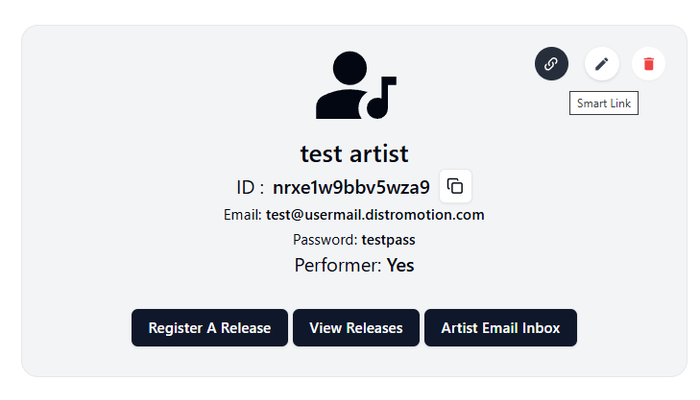
- Fill up all the fields with the data you wish for your artist, move the links sorting holding the left click on them to sort them as you prefer, after all the fields are correctly filled up, press ''Create'' button:
- Make sure you've wrote the slug you wish, use that unique link with your customized slug and access to your Smart Link:
- Well done, your artist Smart Link is created.